SAM.gov Registration Guide: Everything You Need to Know in 2026
A comprehensive guide to registering your business on SAM.gov in 2026. Learn about UEI numbers, NAICS codes, representations and certifications, and common mistakes to avoid.
SAM.gov — the System for Award Management — is the federal government's central database for vendors, contractors, and grant recipients. If you want to do business with the federal government in any capacity, SAM registration is not optional. It's mandatory.
Yet every year, thousands of small businesses fail to complete their registration correctly, miss their annual renewal deadline, or get tripped up by technical errors that delay their active status for weeks. This guide will walk you through everything you need to know to get registered right the first time.
What is SAM.gov and Why Does It Matter?
- SAM.gov is the official federal government system where businesses must register to:
- Bid on federal contracts and grants
- Receive payments from federal agencies
- Be visible to federal contracting officers searching for vendors
- Apply for SBA certifications (8(a), HUBZone, WOSB, SDVOSB)
An active SAM registration is a prerequisite for virtually every federal procurement opportunity. Without it, you're invisible to the government.
What You Need Before You Start
Gather these items before you begin your SAM registration:
1. Employer Identification Number (EIN) — Your federal tax ID from the IRS. Your EIN must match IRS records exactly. 2. Unique Entity Identifier (UEI) — This replaced the DUNS number in 2022. You can get your UEI directly through SAM.gov during registration. 3. NAICS codes — Research your industry classification codes before you start. The SBA has a size standards tool at sba.gov. 4. Bank account information — For Electronic Funds Transfer (EFT) setup to receive government payments. 5. Legal business name and address — Must match your IRS records exactly. 6. Point of contact information — Government contracting officers need to reach you.
Step-by-Step: The SAM Registration Process
*Step 1: Create a Login.gov Account* SAM.gov uses Login.gov for authentication. Go to login.gov, create an account with your business email, and set up multi-factor authentication.
*Step 2: Access SAM.gov* Navigate to sam.gov and click "Register/Update Entity." Sign in with your Login.gov credentials.
*Step 3: Get Your UEI* If you don't have a UEI, SAM.gov will create one for you during registration. This is a 12-character alphanumeric identifier unique to your business.
*Step 4: Complete Core Data* This includes your legal business name, physical address, business type (corporation, LLC, sole proprietor, etc.), and tax identification information. This is where IRS validation happens — your EIN and business name must match IRS records exactly.
*Step 5: Select NAICS Codes* You'll designate a primary NAICS code and can add additional codes. Choose codes that accurately reflect your business capabilities and where you want to compete for contracts.
*Step 6: Complete Assertions* This section covers your business size, ownership information, socioeconomic categories (woman-owned, veteran-owned, disadvantaged, etc.), and EDI information.
*Step 7: Representations and Certifications* This is the longest section. You'll answer dozens of questions about your business's compliance with federal regulations, certifications, and policies. Read each question carefully — these are legal certifications.
*Step 8: Points of Contact* Add government points of contact, past performance points of contact, and electronic business points of contact.
*Step 9: Submit and Wait* After submission, SAM.gov sends your information to the IRS for TIN validation. This typically takes 1-3 business days. After IRS validation, you'll receive CAGE code assignment (if you don't already have one) from the Defense Logistics Agency. Total processing time is typically 7-10 business days.
The Annual Renewal Requirement
This is the #1 mistake businesses make: forgetting to renew. SAM registrations expire every 365 days. If your registration lapses, you cannot bid on contracts or receive payments until you renew and your status is active again.
SAM.gov will send you email reminders 60 days, 30 days, and 14 days before your expiration. Don't ignore these. The renewal process is similar to the initial registration — you're verifying and updating your information.
Common Mistakes to Avoid
1. EIN/Name mismatch with IRS records — This is the most common cause of registration delays. Double-check that your legal business name on SAM.gov exactly matches what the IRS has on file.
2. Wrong NAICS codes — Choosing codes based on what sounds good rather than what accurately describes your capabilities. Contracting officers use NAICS codes to find qualified vendors.
3. Incomplete representations — Skipping questions or providing incomplete answers in the Representations and Certifications section can cause your registration to be rejected.
4. Using a third-party service that charges fees — SAM.gov registration is completely free. Any company charging you to "register on SAM.gov" is collecting a fee for what you can do for free. (Note: getting expert help to ensure it's done correctly — like working with The Contracting Preacher — is different from paying for the registration itself.)
5. Not updating after business changes — If your address, ownership, banking information, or other details change, you must update SAM.gov promptly.
What Happens After You're Active?
- Once your SAM registration shows "Active" status, you're ready to:
- Search for contract opportunities on SAM.gov/contract-opportunities
- Respond to Sources Sought Notices and Requests for Information (RFIs)
- Submit bids and proposals
- Apply for SBA certifications
- Be found by contracting officers in the System for Award Management
Your active registration also enables you to appear in the Dynamic Small Business Search (DSBS), which is how small business specialists and contracting officers find potential vendors for set-aside contracts.
Need Help Getting It Done Right?
SAM.gov registration seems straightforward, but the details matter enormously. An error in your NAICS codes means missing contracts you should be competing for. An IRS validation error means weeks of delay. Missing the annual renewal means losing your active status at the worst possible time.
The Contracting Preacher offers comprehensive SAM.gov registration assistance starting at $497. We handle the entire process — from UEI acquisition to final submission — and ensure your profile is optimized for maximum visibility to contracting officers.
Ready to get registered? Schedule your free consultation today.
Ready to Win Contracts?
Get Personalized Guidance from Dr. McKnight
Every business situation is unique. Schedule a free 30-minute consultation and get a custom roadmap for winning federal contracts.
Schedule Free Consultation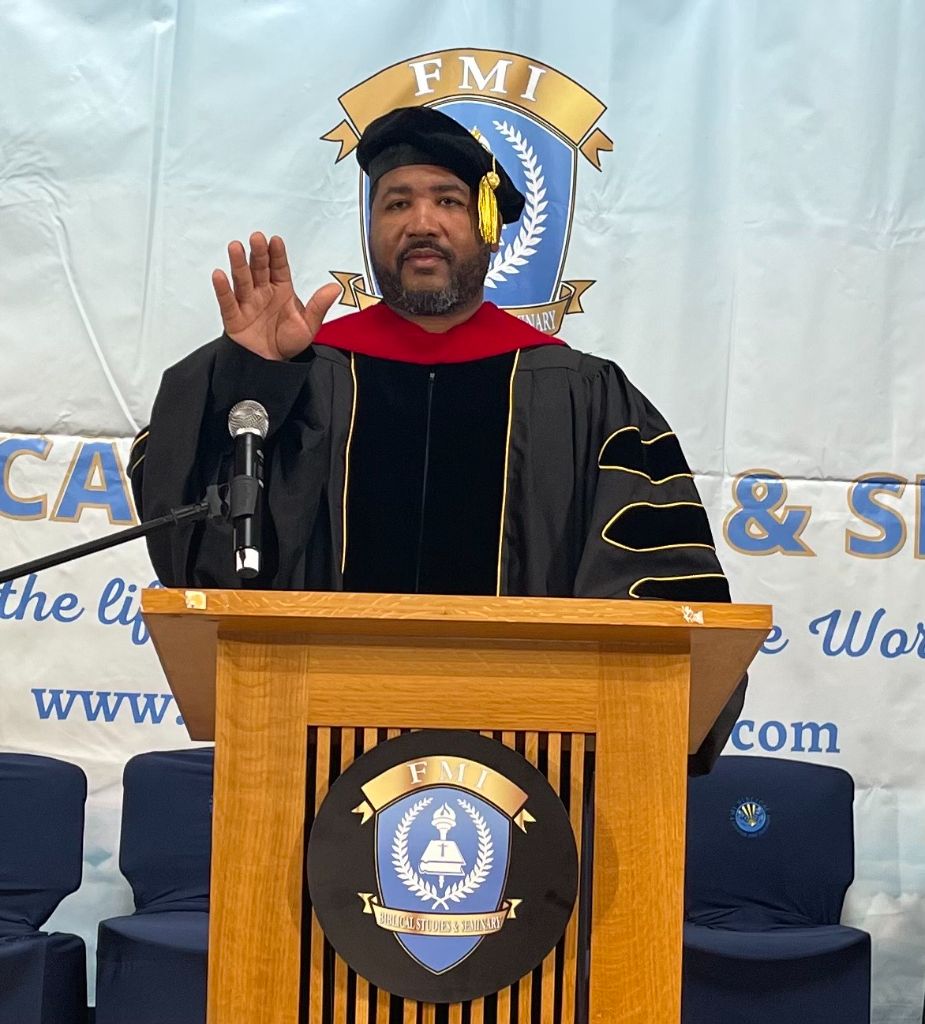
Dr. McKnight
The Contracting Preacher | Federal Contracting Consultant
Dr. McKnight is a federal contracting consultant with offices across the country. He helps small businesses navigate SAM registration, SBA certifications, and proposal writing to pursue federal contracting opportunities.
Related Articles
5 Steps to Win Your First Federal Government Contract in 2026
Breaking into federal contracting doesn't have to be overwhelming. Dr. McKnight shares the five essential steps every small business needs to take to win their first government contract this year.
Read more Getting StartedTop 10 NAICS Codes for Small Businesses New to Federal Contracting
Choosing the right NAICS codes is critical for your SAM registration and your ability to find and win contracts. Here are the top 10 NAICS codes that small businesses should consider.
Read more